


LightXtreme VPN - One-Click Connection for Unlimited Browsing
High-speed · Stability · Safety
 Unlimited access to global content with no bandwidth or speed limits. Best VPN to offer a secure, stable, and fast network connection. Provide 2000+ servers in more than 70 countries. Protect your online privacy by hiding your IP address. Support Android/iOS/macOS/Windows/TV/Linux/Chrome, etc.
  Free Trial
  30-Day Money-Back Guarantee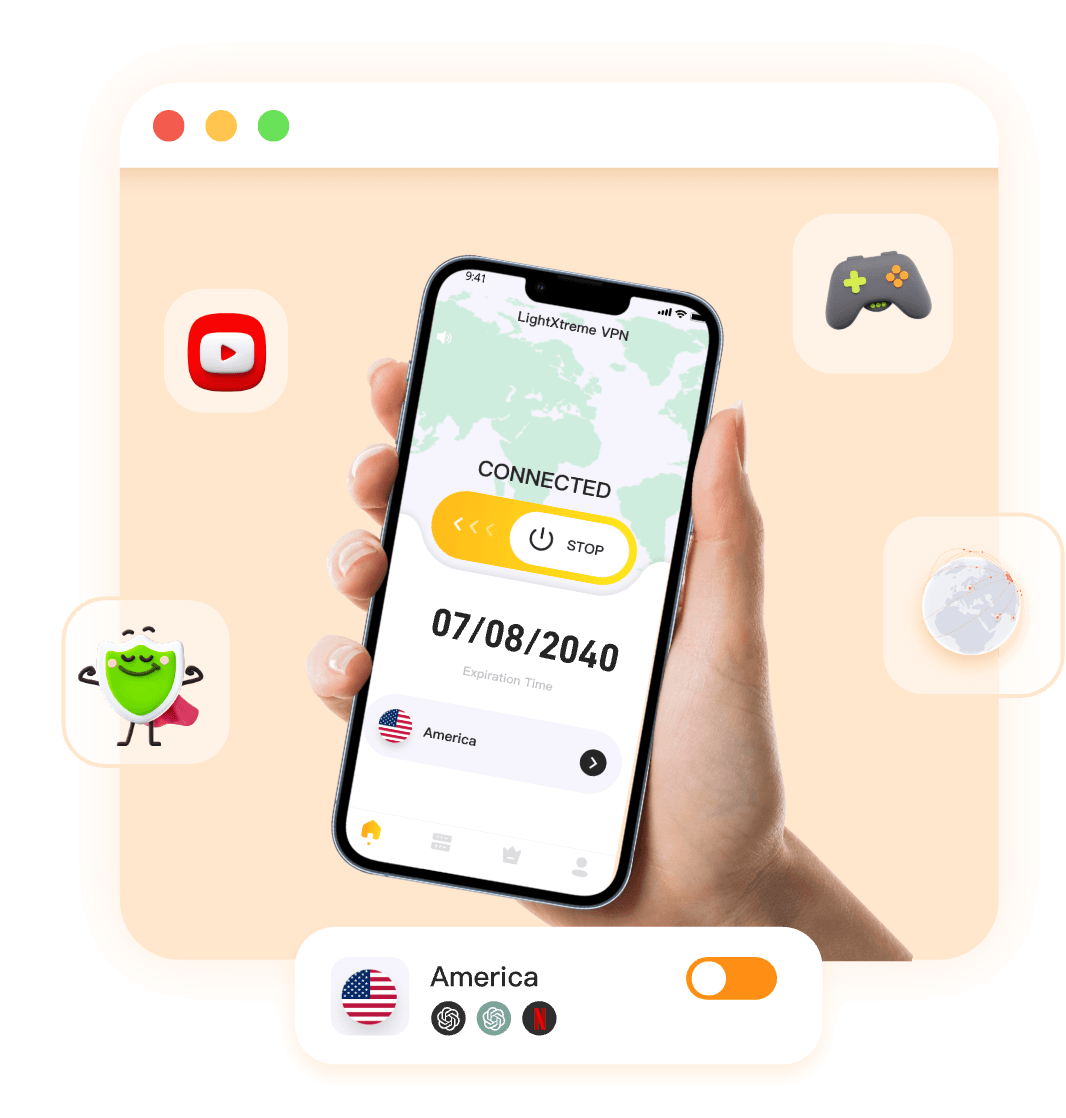
LightXtreme VPN Will Bring You
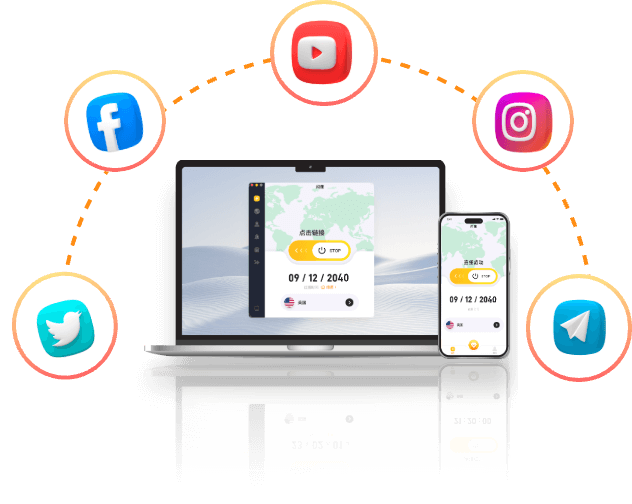
Unlocking Global Information with LightXtreme VPN
Open social networks worldwide — Instagram, X/Twitter, Facebook and more.
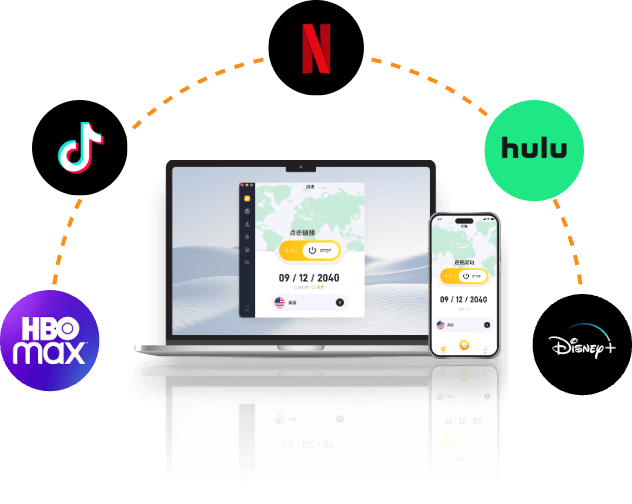
Enjoy Streaming through a Virtual Private Network
Switch among TikTok, Netflix, Disney+, Hulu, HBO and more without missing shows.
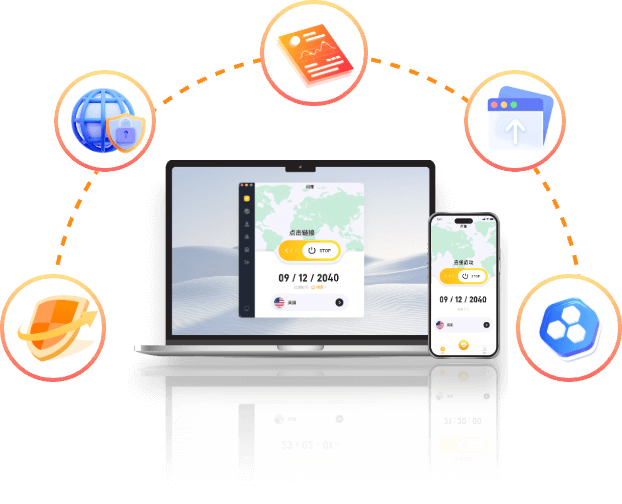
Ensure Privacy and Security with VPN Private Internet
Hide your IP, stay anonymous online, and protect traffic with encryption.
Why Choose LightXtreme VPN
2000+
Server
1000+
City
70+
Country
 Nodes Around the World
 IP Customization Service
Why Use LightXtreme VPN
 High speed and stability
Unlock streaming services and watch smoothly across regions
Remove regional restrictions and smoothly watch streaming content from NETFLIX, HULU, HBO, AbemaTV, Disney and more in any region of the world, giving you the freedom to access your favorite content.
 Safe and reliable
Use a virtual IP to access the Internet anonymously, hiding all your Internet whereabouts.
When using LightXtreme VPN, it's like you're wearing an invisibility cloak on the internet. Everything you do behind this encrypted connection is 100% anonymous and untraceable, so your private data is strongly protected.
 Encrypted access
Encrypt all your accessed data to keep your network connection secure.
Under public WIFI, hackers can steal your passwords and data, threatening the security of your account and property. Still, network service providers can query all your browsing history. Using LightXtreme VPN will encrypt all your accessed data, making your data absolutely safe on any network.
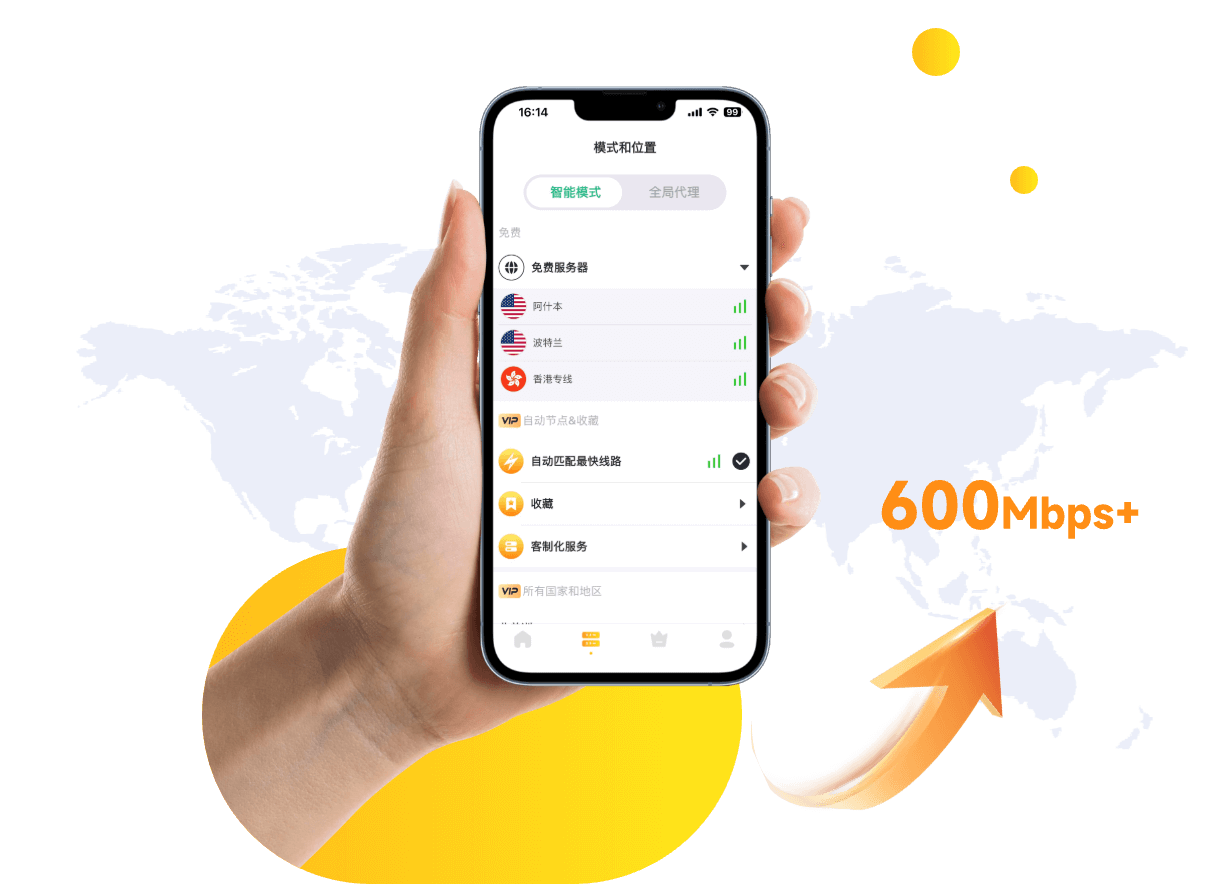
Simple operation, one-click connection
•Simple operation: LightXtreme VPN is user-centered and pursues ultimate simplicity and convenience.
•High speed and stability: No current limit or speed limit, experience unprecedented high speed and stable network connection. Make your video conferences clear and lag-free, online games responsive, and large files transferred in seconds without lag.
•One-click LightXtreme VPN connection: With just one click, you can quickly connect to any server around the world and switch between 70+ countries at will. From turning on an LightXtreme VPN to enjoying a secure and fast network connection, just touch the screen and everything is under your control.
LightXtreme VPN BLOG


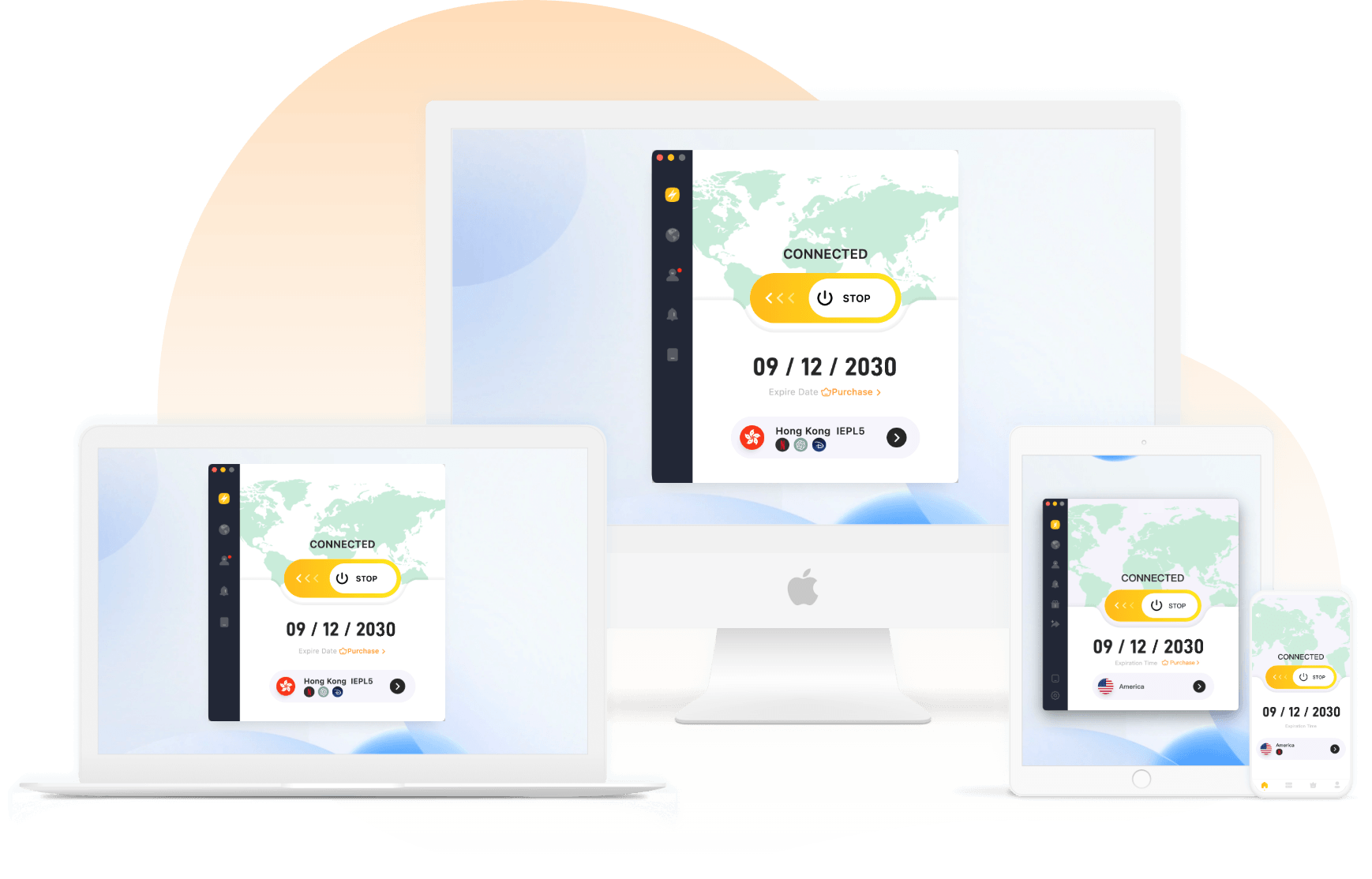
Log in with multiple devices
LightXtreme VPN is a VPN for Windows/macOS/Android/iOS/TV/Linux/Chrome/Firefox/Edge. The multi-device login function allows one account to meet the needs of the whole family. Whether it is a computer, a TV, a smartphone or a tablet, you can enjoy the VPN service under the same account, ensuring that every device can enjoy a high-speed and secure network connection. LightXtreme VPN supports up to 3 devices by default, but it supports device customization. Click here to customize the number of devices


User reviews

Umashankar Bharati


ricky Shergill

Kishore Aswin

Umashankar Bharati

ricky Shergill

Kishore Aswin
FAQ

Yes. LightXtreme VPN uses modern encryption protocols, DNS leak protection, and a no-logs policy. Your real IP is replaced by the VPN server IP while connected.
Windows, macOS, Android, iOS, Linux, Android TV, Apple TV, plus Chrome / Firefox / Edge extensions. See the download center.
Trial minutes and plans follow the rules shown in the app and checkout. Paid plans typically include a 30-day money-back window via the purchase channel.
One account can be installed on multiple devices; default simultaneous online devices is usually up to three (custom limits available).

Our VPN is easy to use and risk-free. If you are not satisfied with our product, feel free to ask for a full refund within 30 days.
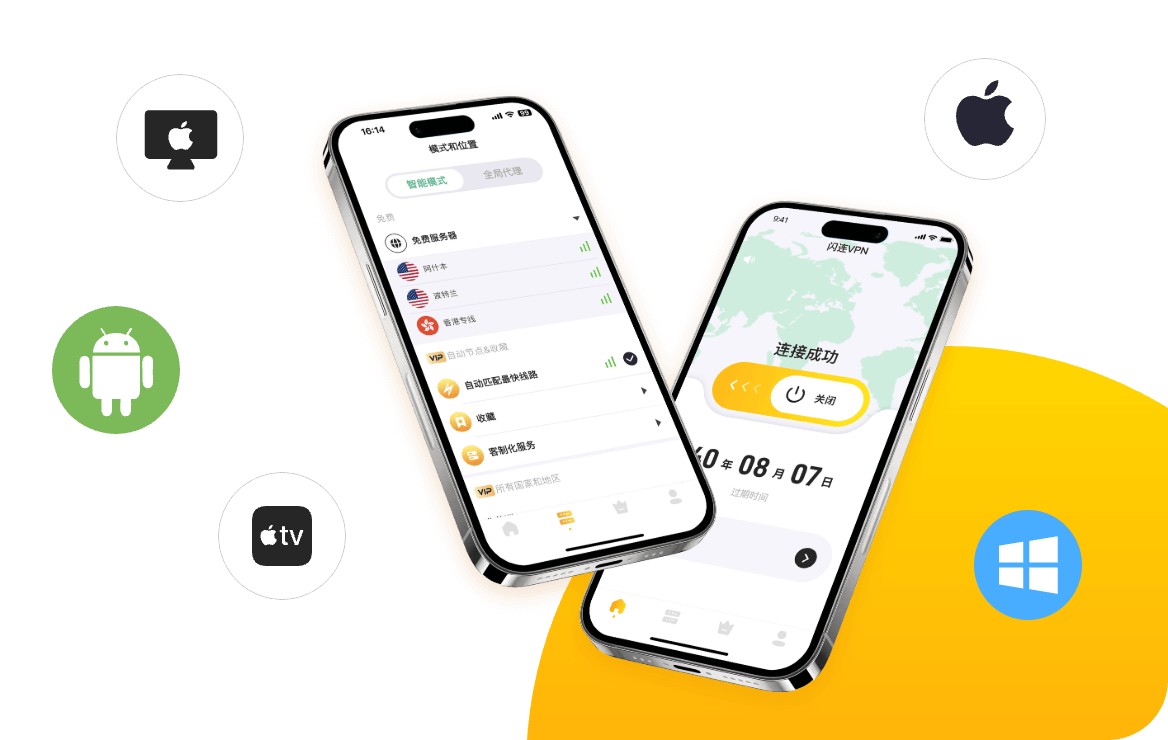
Best free VPN downloads for Windows, Mac, Android, iOS
Guides for downloading and comparing clients across platforms.
Best free Android VPNs (fast and safe)
What to check before installing an Android VPN client.
Streaming tips with a stable VPN connection
Latency, server choice, and device setup for video apps.